


 TALLY PRIME ERP
 ZOHO ONE ERP
 VAYPAR
 ODOO ERP
 SAP Business One
 ORACLE NetSuite
 Biz Analyst
 CUSTOMISED POS SOFTWARES





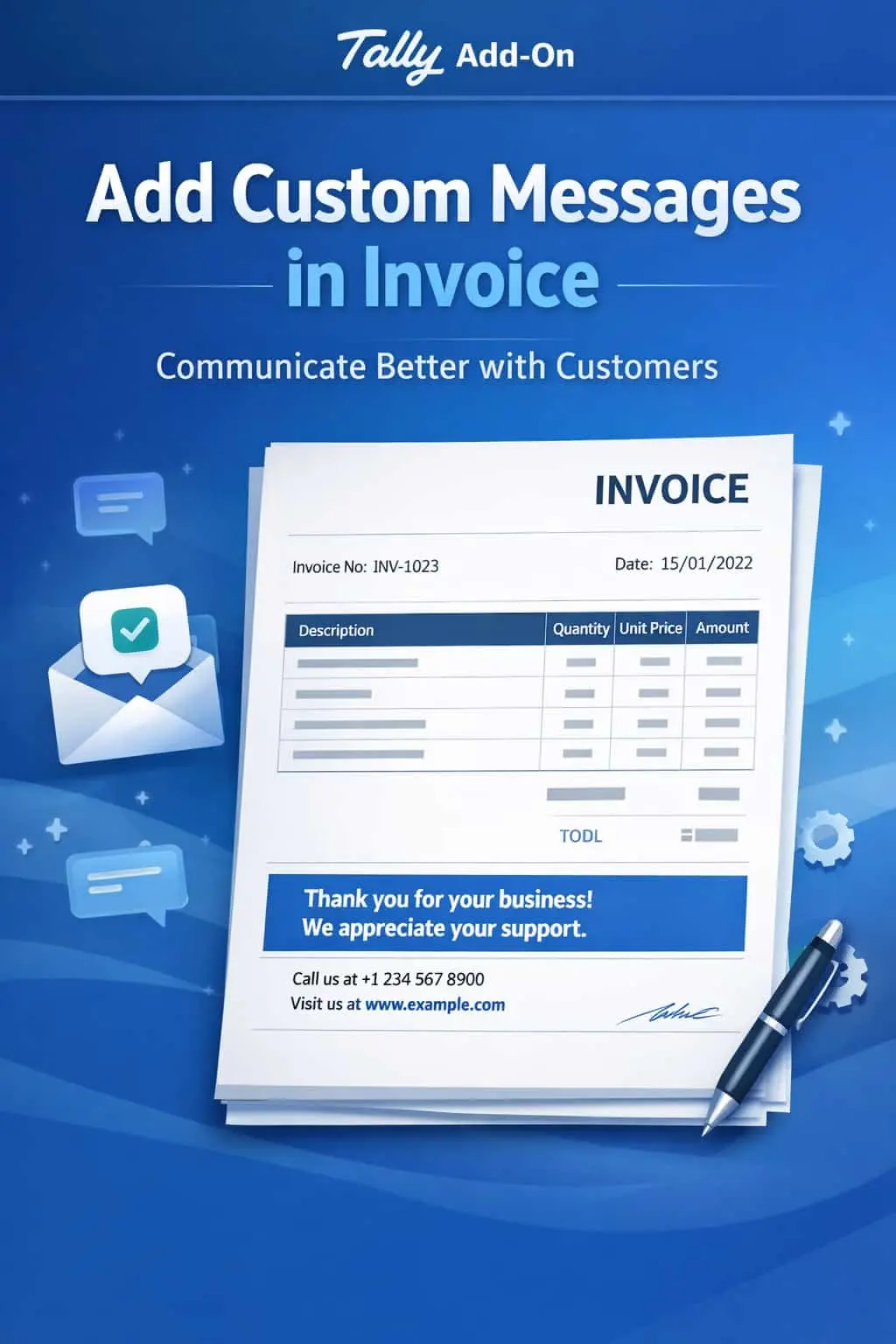
Enable Personalized Caption in Invoice Print
Add Custom Messages & Captions in Every Invoice for Superior Branding & Communication
GET NOWEnable Personalized Caption in Invoice Print in TallyPrime
Add Custom Messages & Captions in Every Invoice for Superior Branding & Communication
Invoices are often the last point of contact between you and your customer. Why send a boring, generic bill when you can use it for branding and professional communication?
Every invoice looks the same, missing a chance to stand out.
Inability to promote new offers, schemes, or festive greetings directly on the bill.
Important instructions like payment terms or bank details are often missed by customers.
Staff having to manually type notes or stamp messages on printed invoices.
The Enable Personalized Caption in Invoice Print Add-on turns your invoices into a powerful communication channel.
This add-on lets you "Talk" to your customers through your billing documents. With this add-on installed, Tally can:
Print personalized "Thank You" notes, seasonal greetings, or company taglines.
Automatically display Bank Details or Payment Links based on the invoice type.
Show different captions for different customers or payment modes.
Position your messages in the header, footer, or middle of the invoice.
Every business is unique, and your invoice should reflect that. Whether you want to remind a customer about your Return Policy or announce a New Product Launch, doing it on the invoice ensures it gets read.
Custom Caption Management
Easily set and change messages like festive wishes, payment reminders, or thank-you notes.
Branding & Marketing
Use invoice space to promote your website, social media handles, or current business offers.
Flexible Conditional Logic
Show specific captions based on Ledger Group, Voucher Type, or Amount.
Professional Layout
Seamlessly fits into existing Sales Invoices, Debit/Credit Notes, and Delivery Challans.
Lightweight & Fast
Fetches and prints captions instantly without affecting Tally's speed.
- ✔Enhanced Brand Recall: Consistent brand messages on every bill keep you top-of-mind for customers.
- ✔Faster Payments: Clear payment instructions and bank details reduce delays in money transfers.
- ✔Better Customer Experience: Personalized notes show that you value your clients' business.
- ✔Total Automation: No need for manual stamps or external editing to add extra info on invoices.
🛒 Retailers
Printing "Happy Diwali" or "5% off on your next visit" automatically during sales.
💼 Service Providers
Including specific project notes or bank details for NEFT/IMPS transfers.
📦 Wholesalers
Mentioning trade terms like "Goods once sold will not be taken back" automatically.
Add Your Review
Your email address will not be published. Required fields are marked *
Upload photos