


 TALLY PRIME ERP
 ZOHO ONE ERP
 VAYPAR
 ODOO ERP
 SAP Business One
 ORACLE NetSuite
 Biz Analyst
 CUSTOMISED POS SOFTWARES





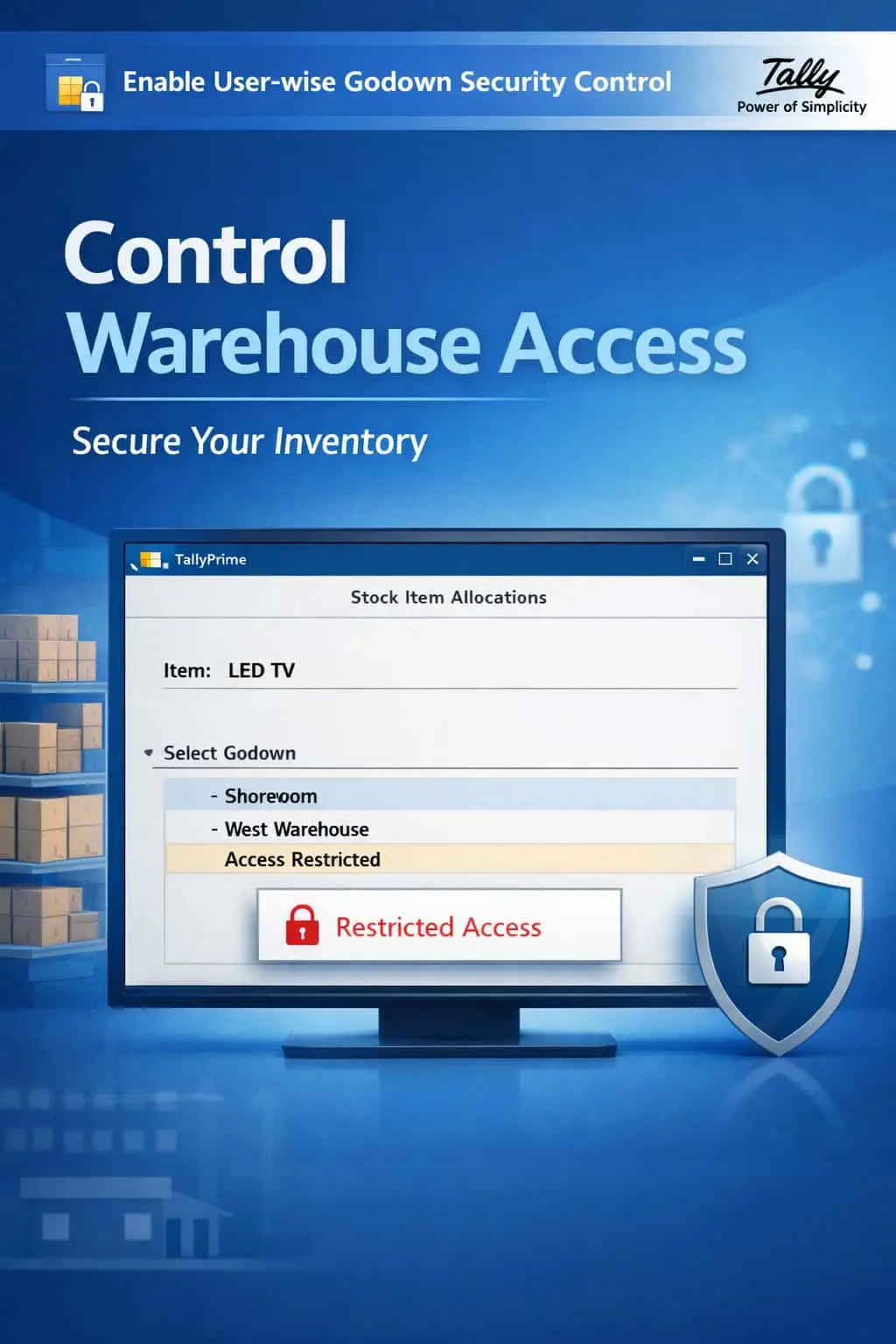
Enable User-wise Godown Security Control
Restrict Godown Access User-Wise for Better Inventory Control & Data Security
GET NOWEnable User-wise Godown Security Control in TallyPrime
Restrict Godown Access User-Wise for Better Inventory Control & Data Security
In businesses with multiple warehouses and godowns, allowing every user to access all godown data creates serious risks. Unauthorized stock handling, inventory misallocation, and data leakage become inevitable when there are no user-wise restrictions on godown access.
Users can view, modify, or transfer stock from godowns they should not have access to.
Without godown-level restrictions, stock entries can be made to incorrect locations, causing inventory discrepancies.
Sensitive stock data from specific warehouses can be viewed or exported by unauthorized personnel.
When anyone can access any godown, there is no way to track who made changes to which warehouse's inventory.
The User-wise Godown Security Control Add-on gives you complete control over which users can access which godowns in TallyPrime.
This add-on allows administrators to map specific godowns to specific users, ensuring that each user can only see and work with the warehouses they are authorized for. With this add-on installed, TallyPrime can:
Users will only see the godowns they are authorized to access in all dropdown menus and selection fields.
Completely block access to restricted godowns across all inventory vouchers and reports.
Assign godown access based on user roles, departments, or locations for organized inventory management.
Ensure stock entries are always made to the correct godown by the authorized person.
Inventory accuracy depends on controlling who can access which warehouses. Without godown-level user restrictions, businesses face stock discrepancies, unauthorized transfers, and data security risks that can impact profitability and compliance.
User-wise Godown Mapping
Map specific godowns to specific users, ensuring each user only accesses authorized warehouses.
Automatic Selection Filter
Godown selection lists automatically filter to show only the warehouses the current user is authorized for.
Restricted Stock Reporting
Stock summaries and reports automatically exclude data from godowns the user cannot access.
All Inventory Vouchers
Restrictions apply across all inventory vouchers including Stock Journal, Delivery Note, and Receipt Note.
Lightweight & Robust
Applies restrictions instantly without affecting TallyPrime's performance or data integrity.
- ✔Absolute Inventory Confidentiality: Ensure that sensitive stock data from each warehouse is only accessible to authorized personnel.
- ✔100% Accurate Stock Allocation: Users can only make entries to their authorized godowns, eliminating misallocation errors.
- ✔Stronger Internal Control: Enforce strict warehouse access policies and maintain a clear chain of inventory responsibility.
- ✔Better Accountability: Track inventory changes by user and godown for complete audit trail and compliance.
🏭 Retail Chains
Restrict store managers to only their branch godown, preventing cross-location stock visibility and unauthorized transfers.
🏭 Manufacturing Units
Allow production staff to access only raw material godowns while restricting access to finished goods warehouses.
📦 Distribution Hubs
Map each warehouse manager to their specific distribution center, ensuring clean and accurate stock management.
Add Your Review
Your email address will not be published. Required fields are marked *
Upload photos